"Dumpper" is a well-known portable software utility designed for managing wireless networks on Windows, specifically used for WPS (Wi-Fi Protected Setup) vulnerability testing and network auditing.
To truly understand Dumpper, one must understand the vulnerability it exploits: the WPS PIN authentication design flaw.
It is a portable application, meaning it does not require a traditional installation to run on Windows systems. The software is distributed for free on platforms like SourceForge Performance and Usability Ease of Use:
WPS Auditing: Tests if a router is susceptible to attacks via default or known PINs.
However, the golden rule of ethical hacking applies here with full force: Never test on networks you do not own. Use v.90.6 on your personal router, in a lab, or on a virtual machine. Understand the code, patch your own systems, and then uninstall it.
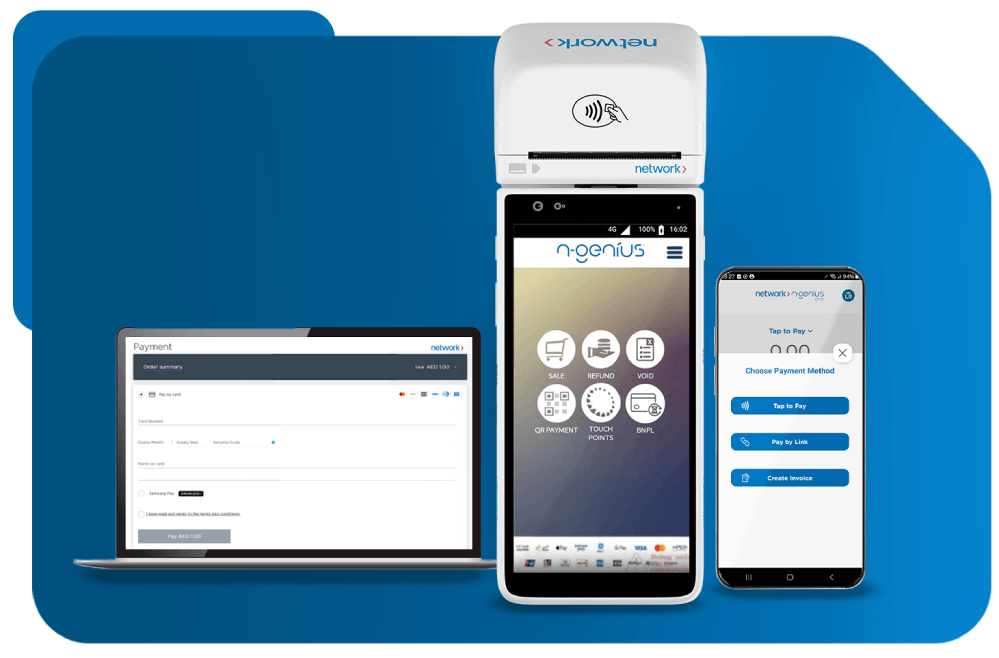
Our online and in-person payment solutions are designed to heighten customer experiences and accelerate business growth.
Explore More
We support banks, fintechs and telcos with agile end-to-end solutions that drive engagement and loyalty.
Explore More
Our data analytics, advanced fraud protection, loyalty programs and other value-added offerings take customer experiences and business performance to new heights.
Explore More"Dumpper" is a well-known portable software utility designed for managing wireless networks on Windows, specifically used for WPS (Wi-Fi Protected Setup) vulnerability testing and network auditing.
To truly understand Dumpper, one must understand the vulnerability it exploits: the WPS PIN authentication design flaw.
It is a portable application, meaning it does not require a traditional installation to run on Windows systems. The software is distributed for free on platforms like SourceForge Performance and Usability Ease of Use:
WPS Auditing: Tests if a router is susceptible to attacks via default or known PINs.
However, the golden rule of ethical hacking applies here with full force: Never test on networks you do not own. Use v.90.6 on your personal router, in a lab, or on a virtual machine. Understand the code, patch your own systems, and then uninstall it.
 Scale & Speed
 High Availability
 Data Privacy & Security
 Local & Global Compliance
 On-Premises & Multi-Cloud